
Facebook Link Preview
Preview the Open Graph card Facebook shows for a shared link, then copy the tags. Runs in your browser.
- No account needed. Import a live URL or type it in
- Facebook preview updates instantly
- Copy escaped HTML metadata in one action
Page metadata
Facebook reads: og:title, og:description, og:image, og:url, og:site_name, og:type
 Facebook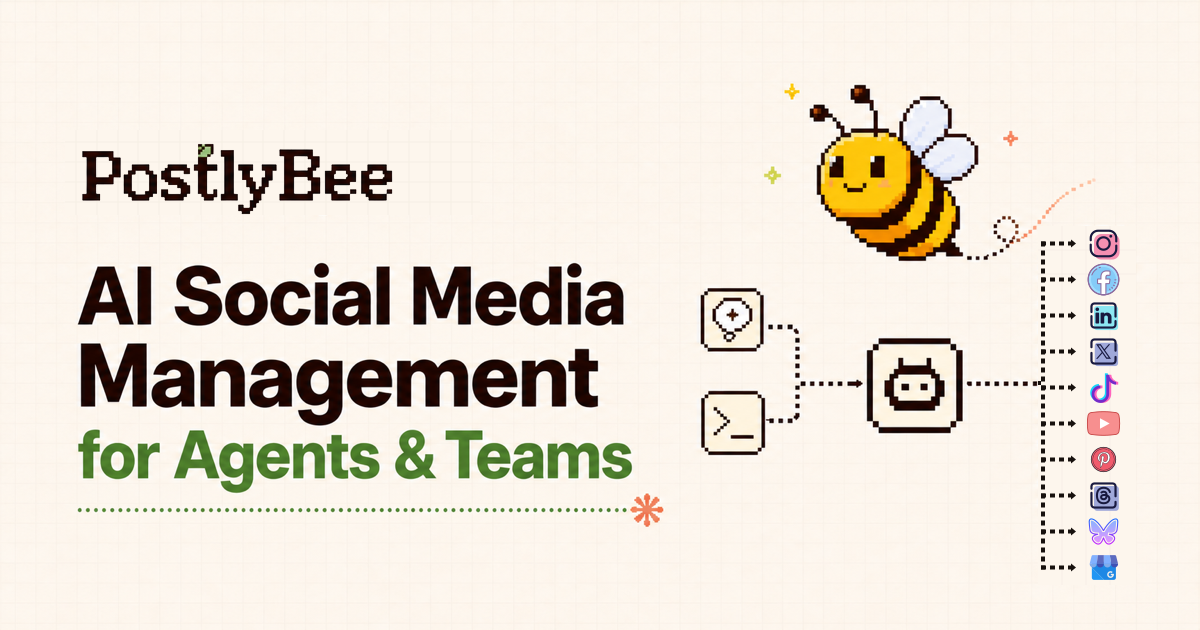
postlybee.com
Plan and schedule social content with PostlyBee
Create, customize, preview, and schedule social media posts from one collaborative workspace.
Image: 1200 × 630 px. Use at least 600 × 315 px for a large card. A 1.91:1 image avoids cropping.
Generated HTML
<meta property="og:title" content="Plan and schedule social content with PostlyBee" />
<meta property="og:description" content="Create, customize, preview, and schedule social media posts from one collaborative workspace." />
<meta property="og:image" content="https://postlybee.com/og-image.png" />
<meta property="og:url" content="https://postlybee.com/features" />
<meta property="og:site_name" content="PostlyBee" />
<meta property="og:type" content="website" />From link to published
Check it here, publish to Facebook with PostlyBee
The same editor you use for every post, in a few steps.
Enter any public page URL and PostlyBee reads its title, description, and image for you, so there is nothing to retype.
Import from a live page
Title
Description
Image
Practical guide
Make a shared link look intentional
On Facebook the link card does most of the work: the image earns attention, and the title decides whether people tap. Write a title that stands alone, without the surrounding post, and use the description to add one concrete detail.
Titles and descriptions are shortened to fit the layout, and the visible length varies between feed, groups, and Messenger. The ranges here keep the important words near the start.
Privacy: Text you type stays in this browser tab. If you import a URL, PostlyBee downloads that public page once to read its tags and does not store it. Your browser loads the preview image directly from its address.
- 01
Fill in the page details
Add a title, description, canonical URL, and a public absolute image URL.
- 02
Check the card
Make sure the image crop, title, and domain read well together.
- 03
Copy and re-scrape
Add the tags to the page, then refresh Facebook's cache with the Sharing Debugger.
Pro tips
Pro tips for Facebook metadata
Open Graph drives the card
Facebook reads og:title, og:description, og:image, and og:url. Without them it guesses from the page, which often picks the wrong image or text.
Design for a 1.91:1 image
A 1200 × 630 px image fills the large link card. Keep text and faces away from the edges because other layouts crop to a square or a smaller thumbnail.
Cached cards need a refresh
Facebook stores the card it first scraped. After you change tags, run the page through the Sharing Debugger to pull a fresh copy.
FAQ
About the Facebook Meta Tags Preview
Know what the preview measures, what it does not guarantee, and how your input is handled.
Ready to move from preview to publishing?
Use this free tool without an account, then bring the finished work into PostlyBee to customize, schedule, and track the campaign.
Start scheduling with PostlyBee